Last Tuesday, I watched a brilliant idea die in real time.
How to Build an Offline AI Meeting Notes Assistant
Not because it was bad. Not because the team was distracted.
It died the quiet death that happens when someone says, “Great, can you send the notes?”There were no notes.
Just vibes.
I used to think I would remember everything.
I am a reasonably competent adult, with a calendar and a decent pen collection. But meetings are not made of ink.
They are made of half sentences, decisions disguised as jokes, and action items that slip under the door when you are packing up your laptop.
So I built something that feels like cheating: an offline AI meeting notes assistant that transcribes, summarizes, and pulls action items, while keeping sensitive audio off the cloud.
And yes, it can feel a little magical. The good kind. The kind where you still own your work

The problem (and why this topic is trending)
If you searched for “offline ai meeting notes assistant”, you probably want one of these outcomes:
- You want accurate meeting notes without doing the tedious part.
- You want privacy, because your meetings involve clients, money, health, legal topics, or product plans.
- You want something that works even when your internet is flaky, blocked, or simply not invited to the conversation.
This is showing up everywhere because AI assistants and agents are becoming more capable, including taking multi step actions on behalf of users, which increases privacy and data protection stakes.
(fpf.org)At the same time, there is a strong push toward local and on device AI for privacy, cost, and reliability reasons.
(mozilla.org)Major platforms are also emphasizing privacy approaches like on device processing and controlled cloud compute models. (machinelearning.apple.com)
So the “unique viral” angle here is simple: people want the convenience of AI notes, without handing over the raw audio of their working life.
HomeWhy should I keep meeting audio off the cloud?Home
Because meeting audio is dense with sensitive information, even when nobody is trying to be dramatic.
A single call can include names, pricing, passwords read aloud, customer complaints, internal strategy, and “off the record” context.
If that audio is uploaded to a service you do not control, you are accepting extra risk surface by default.
Privacy considerations get sharper as AI systems become more agentic and able to take actions, not just answer questions. (fpf.org)
That is why local AI is having a moment: keeping data on your device can reduce exposure while still delivering useful automation. (mozilla.org)
Is it legal to record meetings if I use AI transcription?
Sometimes yes, sometimes absolutely not, depending on where you are and who is in the meeting.
In the US, recording rules vary by state, often described as one party consent vs all party consent frameworks.
(wave.co)Practical rule: always get clear consent at the start of the meeting, and when in doubt, do not record until you have permission.
This is not legal advice, but it is good professional hygiene.
What do I need to run meeting transcription locally?
You need three things:
1. A laptop or desktop with enough compute (a modern CPU works, a GPU helps).
2. A local speech to text engine.
3. A local LLM (optional but recommended) to turn raw transcript into clean notes.
For speech to text, OpenAI’s Whisper is a commonly used model for transcription tasks, including multilingual transcription and translation.
(github.com)If you want something lightweight and fast on many machines, whisper.
cpp is a popular implementation for running Whisper efficiently.
(github.com)For local LLMs, tools like Ollama are designed to help you run models locally and provide docs for setup and usage. (docs.ollama.com)
How to Build an Offline AI Meeting Notes Assistant
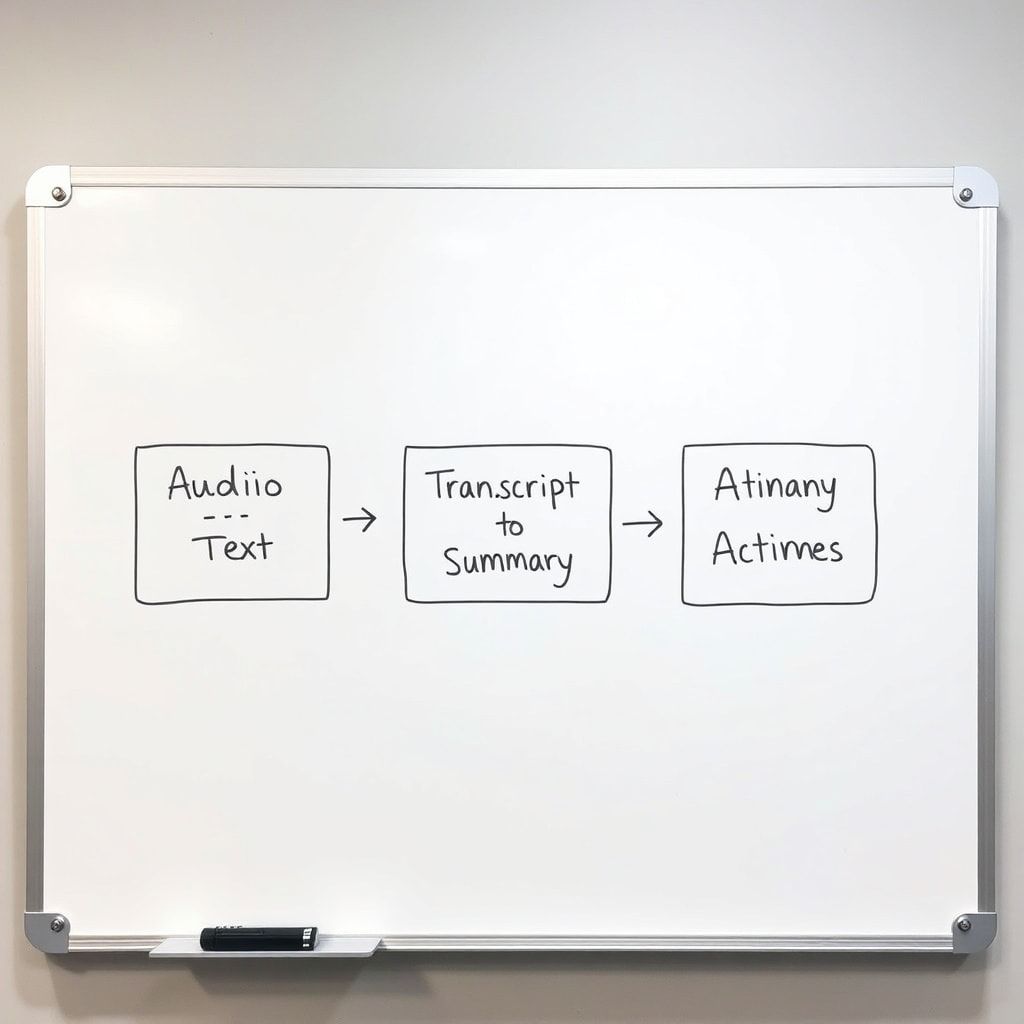
How do I build an offline meeting notes workflow (simple version, no coding)
Here is the beginner friendly approach that works for most people.
Step 1: Capture audio the clean way
Use any method you already trust, as long as you have consent.
Examples:
- Record the meeting in your conferencing tool (if it saves locally), or
- Record using a local audio recorder, or
- If you must, record system audio, but be careful with privacy and consent.
The goal is: produce an audio file you own.
Step 2: Transcribe locally with Whisper
Whisper is designed for speech recognition, including multilingual use cases. (github.com)If you want local speed, whisper.
cpp is a practical path on many machines. (github.com)
Your output should be:
- A plain text transcript
- Ideally, timestamps (helpful for reviewing)
Step 3: Summarize locally with a local LLM
Install and run a local model using Ollama, which is documented as a way to get up and running with LLMs locally. (docs.ollama.com)
If you prefer a desktop app experience, LM Studio positions itself as a way to discover, download, and run local LLMs. (lmstudio.ai)
Step 4: Save notes into a searchable vault
If you want a “notes workspace” style app that can run locally, AnythingLLM is commonly used for private AI workspaces and local setups. (github.com)
Keep it simple:
- One folder per client or project
- One note per meeting
- File name format like: 2026 03 10 ClientName Weekly Sync
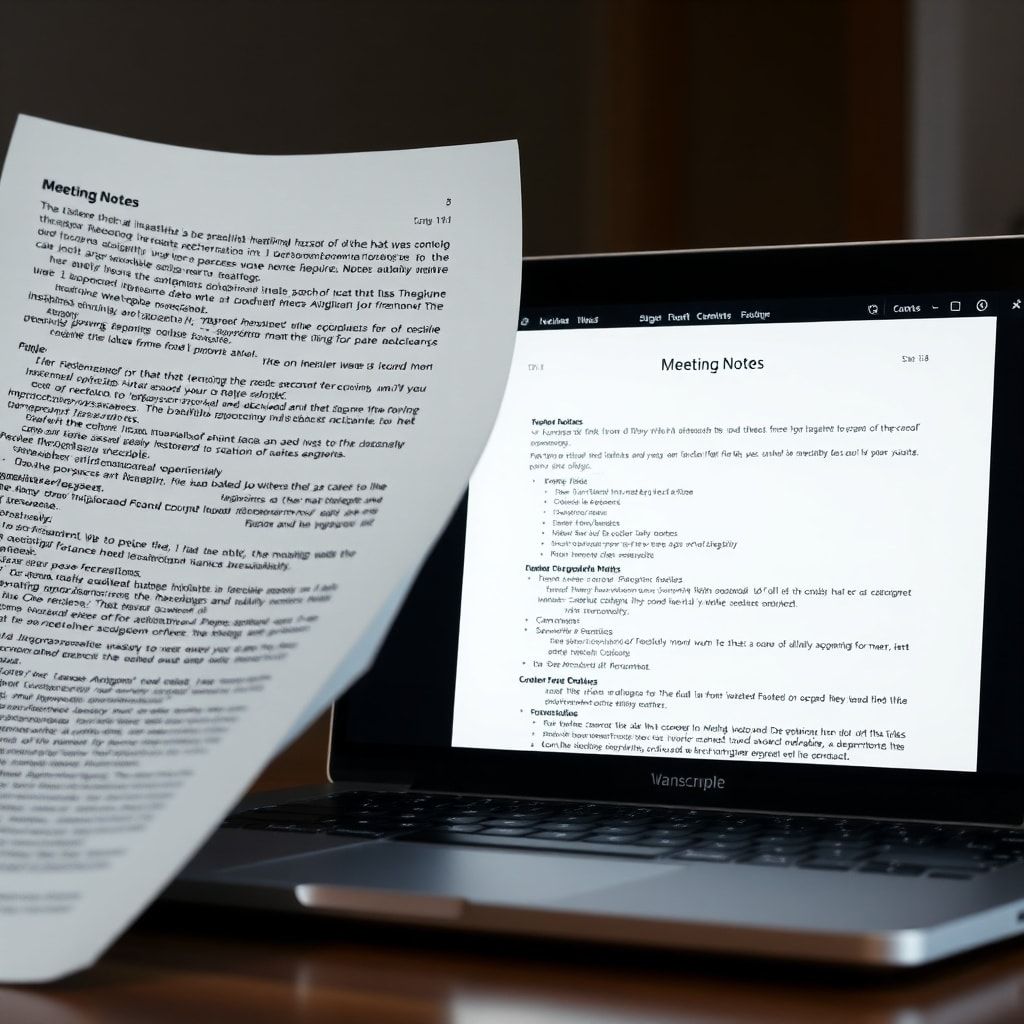
What prompt should I use to turn transcript into meeting minutes and action items?
Here is a prompt template that reliably produces clean output and makes intent crystal clear (you are generating meeting notes, not creative writing).
Copy and paste this into your local LLM:
Role: You are a meticulous meeting notes assistant.Input: I will paste a raw transcript.
Task: Create structured meeting minutes with the sections below.
Rules: Do not invent facts.
If something is unclear, mark it as unclear. Use concise language.
Sections to output:
- Meeting title and date
- Attendees (only if mentioned)
- Executive summary (5 to 8 lines)
- Decisions made (numbered)
- Action items (numbered, with owner and due date if present)
- Risks and open questions (numbered)
- Key quotes (optional, short)
This is where your offline ai meeting notes assistant becomes more than transcription. It becomes comprehension.
How accurate is local transcription compared to cloud tools?
In practice, accuracy depends on:
- Audio quality (this is the biggest factor)
- Accents and domain vocabulary
- Crosstalk (people talking over each other)
- Model choice and settings
Whisper is widely used because it is robust across many conditions, and it supports multilingual transcription and related tasks.
(github.com)If you need speed and portability, whisper.
cpp exists specifically to run Whisper efficiently in C and C plus plus contexts. (github.com)
If you want a surprisingly effective upgrade, do this first:
- Ask everyone to use headphones
- Encourage one speaker at a time for decisions
- Record in a quiet room, not a coffee shop (I say this with love and espresso)
Can I make this work like an “AI agent” that does everything automatically?
Yes, but start small.
An agent is generally understood as something that can plan and execute multi step tasks, sometimes using tools, and that raises extra privacy and data handling considerations. (fpf.org)
A safe “almost agent” version for meeting notes is:
- You drop an audio file into a folder
- It transcribes locally
- It summarizes locally
- It saves notes into your vault
- It creates a task list you can paste into your project tool
Even without full automation, this feels like hiring a very organized assistant who never forgets and never gossips.
What are the most common mistakes people make with offline meeting notes?
- Recording without consent: this is the fastest path to trouble and mistrust. (wave.co)
- Treating the summary as ground truth: summaries can omit nuance, so keep the transcript available.
- Using one giant prompt forever: your workflow improves when you split steps (transcribe, then summarize, then extract tasks).
- Not naming action items clearly: action items should be verbs, not vibes.
What does a good offline AI meeting notes assistant output look like?
A good output is skimmable in 30 seconds and auditable in 3 minutes.
My gold standard format is:
- Executive summary
- Decisions
- Action items with owners
- Risks and open questions
- Link to transcript file
This format is friendly to humans, and it is friendly to future you, who will absolutely not remember what “circle back next week” meant.
Conclusion
If meetings are where work becomes real, then notes are where work becomes repeatable.
Building an offline ai meeting notes assistant is not just a tech flex. It is a boundary. It says
- I want speed.
- I want clarity.
- I want privacy by default.
Local AI is getting easier, with mainstream momentum behind on device processing and local model tooling.
(machinelearning.apple.com)And the best part is this: once your workflow exists, it quietly pays you back after every call, like compound interest, but for your attention span.

Leave a Reply